
Plus AI MCP Server
Presentation MCP Server
Let your AI agents and dev tools create, edit, and keep improving native PowerPoint presentations using the Plus AI MCP server.


- 6 tools Create, edit, upload, and track decks
- Multi-turn Follow-ups edit the deck in place
- PPTX Native PowerPoint, plus PDF and thumbnail
Tools
Six tools for your agent
-
Quick deck from a prompt
create_presentation: fast, template-based generation: a prompt, a slide count, and a language in — a finished, native PowerPoint out.
-
Presentation Agent
create_presentation_with_agent: the full Presentation Agent plans the story, writes the content, and designs every slide — from a prompt or from a deck you already have.
-
Keep refining a deck
continue_presentation_agent_session: send a follow-up change — “shorten slide 3, add a next-steps slide” — and the agent edits the same deck in place, remembering the conversation so far.
-
Check on a run
get_presentation_agent_session: agent runs take a few minutes. Your agent checks on a run by session ID, and each call waits for the result — no polling loops to write.
-
Find your decks
list_files: browse the PowerPoints in your Plus AI workspace, search by name, and grab the file ID of the deck you want the agent to edit.
-
Upload a deck
upload_file: put a .pptx in your workspace straight from the chat. Attach it in ChatGPT, or let Claude Code, Codex, or Cursor send it from disk.
The Presentation Agent
An agent your agent can keep coming back to
Most AI slide tools are one-shot: prompt in, deck out, done. The Presentation Agent works the way real decks get made — in passes. Upload a PowerPoint, let the agent revise it, then keep sending changes to the same session.
-
Start from a prompt or a deck
Generate from scratch, or point the agent at a deck from your workspace and it revises, extends, restyles, or translates it — layout and branding preserved. Your original file is never changed.
-
Iterate across turns
Not quite right? Ask again. Follow-up changes continue the same session — tighten the story, swap the branding, translate it for another region — and the agent updates the deck in place.
-
Async and durable
Long runs don't block the conversation. Every run returns a session ID your agent can check now or later, so multi-step workflows never lose a deck in progress.
How it works
From a prompt to a polished deck, and back again
- 1
Bring your deck (optional)
Start fresh, or have your agent find or upload a deck you already have.
- 2
Ask the Presentation Agent
Describe the deck you want, or point the agent at one to edit. Long runs are tracked for you until the deck is ready.
- 3
Refine in place
Send follow-up changes and the agent updates the same deck in place.
Try the best MCP for presentations
-

Make real presentations
Generate professionally-designed, formatted slides, so you can actually use them at work.
-

Use advanced slide elements
Our Open XML renderer supports complex slide types, charts, and images.
-

Use custom templates
Use one of our templates or use your own presentation templates.
How to set up the Plus AI MCP server
Quick setup, easy integration
-
Remote MCP
Authorized LLMs and apps use the Plus AI presentation tools over a single hosted URL — no API key to manage.
-
Works in ChatGPT and Claude
Bring native presentation creation to your favorite chatbots via the Plus AI MCP.
-
Secure, enterprise-ready
Sign in with OAuth, and keep data protected with Plus AI’s SOC 2 Type II compliance. Requires a Pro, Team, or Max plan.

Quickstart
Connect in under a minute
Add the remote server to any MCP-capable client and sign in with your Plus AI account when prompted. Then ask for a deck, and keep asking for changes.
claude mcp add --transport http plus-ai https://mcp.plusai.com/{
"mcpServers": {
"plus-ai": {
"url": "https://mcp.plusai.com/"
}
}
}“Make a 10-slide pitch
deck for an AI
bookkeeping startup.”“Upload Q3-review.pptx,
restyle it with our brand
template, and translate
it into German.”“Shorten slide 3 and add
a closing slide with
next steps.”Additional features available via the Plus API
-
Slide library
Let Plus AI choose the best slides from your existing presentations.
-
Custom images
Set custom AI image styles or connect to your existing image libraries.
-
Custom icons
Generate slides using custom icons and pictographs.
-
Use any language
Create new presentations or translate existing slides into any language.
Designer templates — yours to customize
Handcrafted designs, AI enabled.
Templates are fully compatible with all our AI tools for generation and editing.
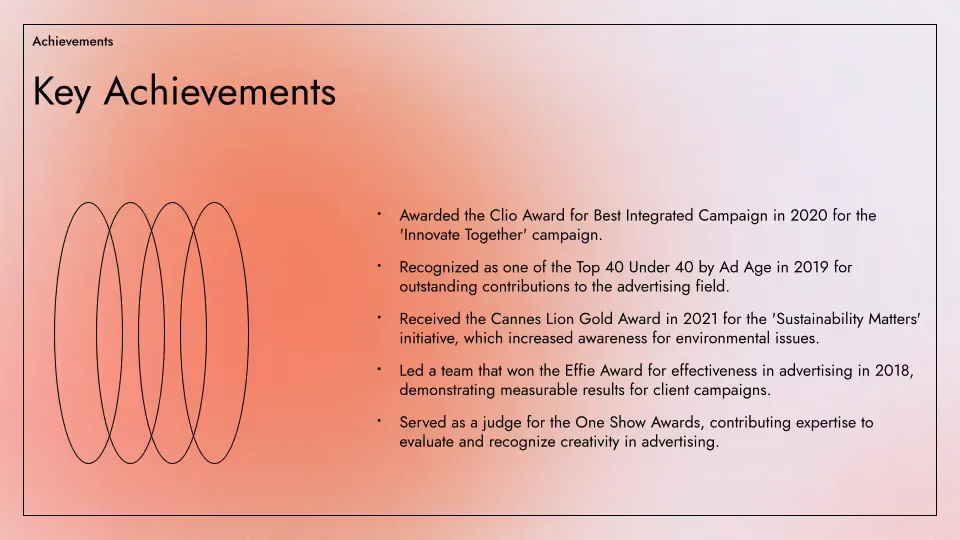
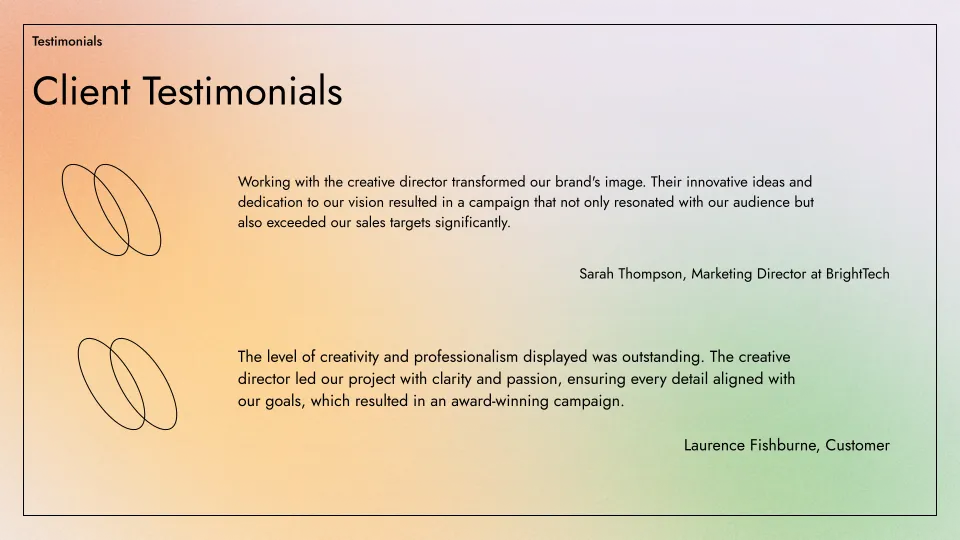
- Renew template
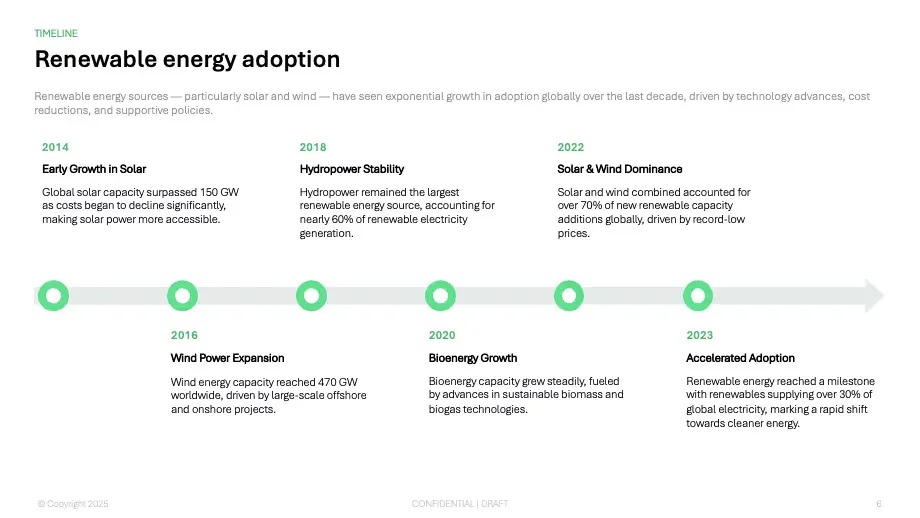
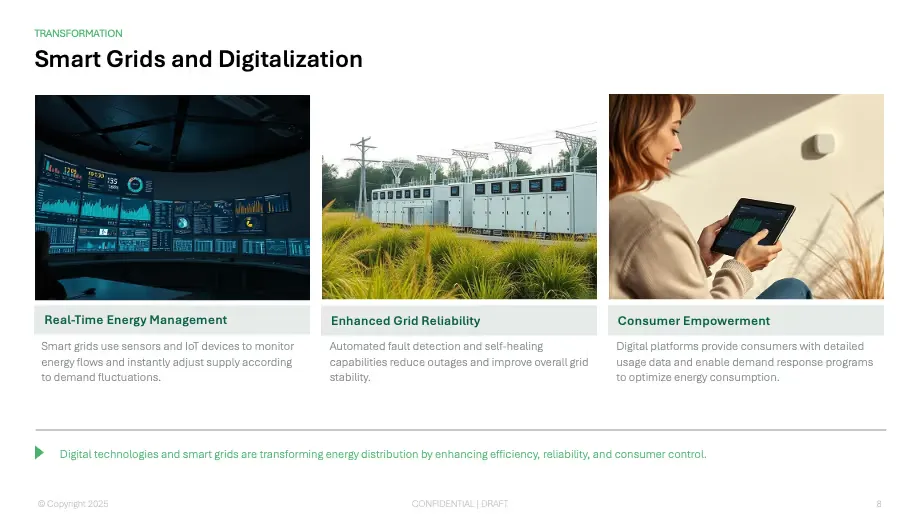

- Tennis template
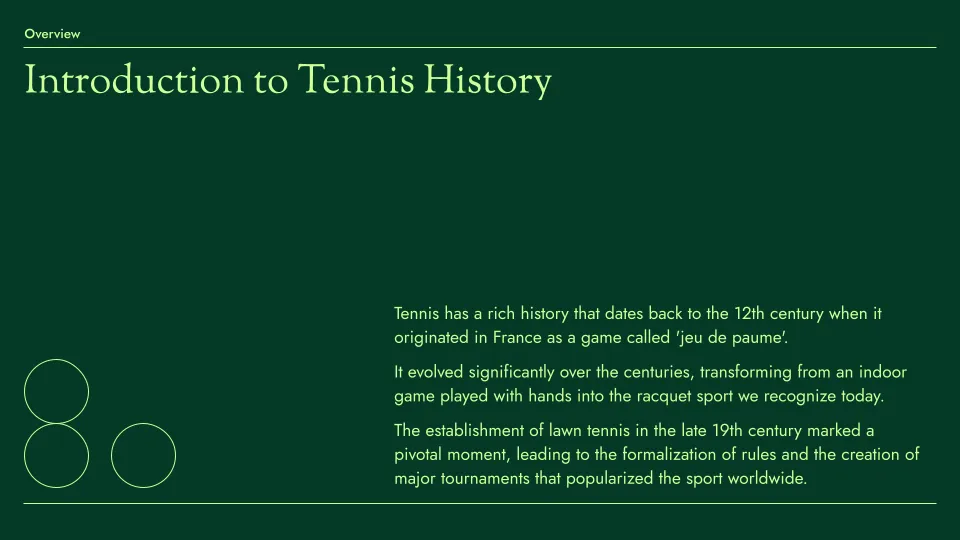
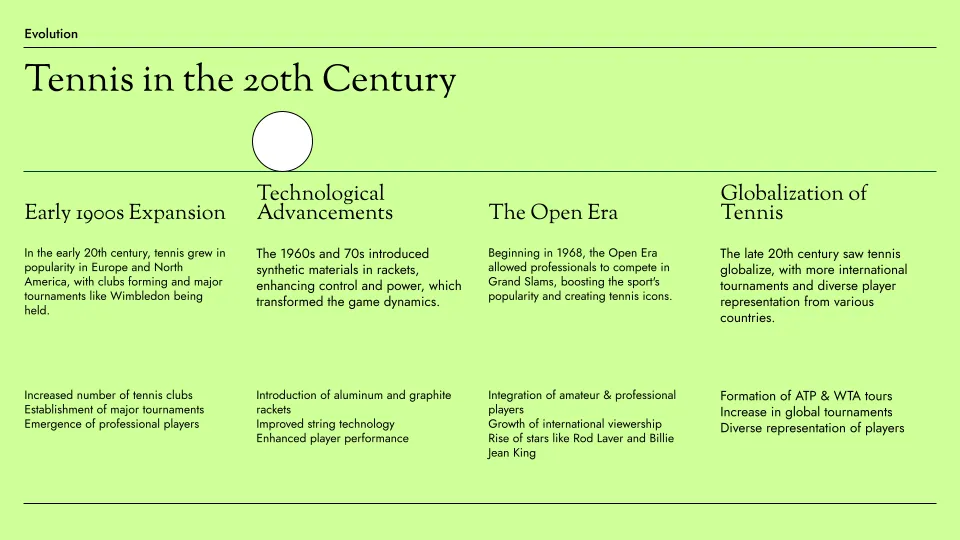

- Aurora template

Empowering content creators at companies big and small.


What our customers say about Plus AI MCP
-
This is the only PowerPoint API we tested that can create native PowerPoint files using our template. Other apps just let you customize the colors and font, but that doesn't work for our sales team.
-
Great API to complement the existing Plus AI product. After we set up our Plus AI subscription in PowerPoint, our IT team used the API to create some custom workflows based on customer triggers.
-
This is the best PowerPoint API! Highly recommend if you are trying to create presentations using AI and want the slides to come out looking like a human made them. Much faster than ChatGPT or Claude as well.
FAQs
What is the Plus AI MCP server?
The Plus AI Model Context Protocol (MCP) server allows AI agents and LLMs to interact with Plus AI using natural language commands.
This makes it easier for end-users and developers to access Plus AI features without setting up a complex integration, and it makes it easier for third-party AI agents to create presentations using Plus AI.
What tools does the MCP server expose?
Six tools:
create_presentation— fast, template-based generation from a prompt, a slide count, and a language.create_presentation_with_agent— the full Presentation Agent, which plans, writes, and designs the deck. It can start from scratch or from an existing deck, and returns native PPTX, PDF, and thumbnail files.continue_presentation_agent_session— send a follow-up change to a deck the agent made, edited in place.get_presentation_agent_session— wait for a long-running agent session and fetch its results by session ID.list_files— find PowerPoints in your Plus AI workspace and their file IDs.upload_file— add a .pptx to your workspace so the agent can edit it.
Can the agent work on an existing presentation?
Yes. Have your agent add the deck with upload_file (or find one already in your workspace with list_files), then pass its file ID as pptx_file_id to create_presentation_with_agent. The agent revises, extends, restyles, or translates that deck instead of starting fresh, and your original is never changed. To keep going, use continue_presentation_agent_session — each follow-up edits the same deck in place.
ChatGPT can upload decks you attach to the chat. Claude.ai can't pass attachments to tools, so add the deck in the Plus AI web app first. You can also use the Plus AI API.
How is Plus AI different from other AI presentation tools?
Unlike other AI presentation providers, Plus AI creates native PowerPoint slides. This means each of the slides is formatted and editable like a standard presentation slide, making it easier to integrate Plus AI presentations into existing workflows.
How does security work for Plus AI?
We follow enterprise-grade security practices and have achieved SOC 2 Type II compliance. You can read more about our security policies and procedures on our security page.
How do I set up the Plus AI MCP server?
Setting up the Plus AI MCP server is quick and easy. Just add the MCP URL (https://mcp.plusai.com/) into your app, and sign in with your Plus AI account via OAuth.
For more detailed instructions, you can follow the step-by-step MCP server guide in our guide page.
Which plans include the MCP server?
The MCP server uses your Plus AI account, so your organization needs a Pro, Team, or Max plan. Agent runs and follow-up changes use your AI credits. See pricing for details.
What can I do with the Plus AI MCP?
The Plus AI MCP makes it easy to add presentations to other AI workflows. Here are some examples:
- Add native PowerPoint generation to ChatGPT or Claude
- Use an AI tool for deep research and feed that content to Plus AI to create presentations
- Hand an existing deck to the Presentation Agent and iterate on it across turns — refine the story, re-brand it, or translate it with follow-up messages
- Integrate presentation creation capabilities into other AI agents and apps
- Convert notes, documents, and transcripts into presentations as part of a larger AI workflow
Stop wasting your time on slides. Try Plus AI for free.
Start with a 7-day free trial. Cancel any time. Create, edit, and collaborate on native PowerPoint decks.
Get started for free