
Plus AI for Teams
-
 Import custom templates
 - Add logo, fonts, and colors
- Shared presets, custom instructions

Plus AI Feature
Transform your existing content — raw notes, outdated slides, rough ideas — into a beautifully formatted slide, directly in Google Slides or PowerPoint
Remix all slides in your presentation directly from the Edit sidebar, then keep editing with AI
Reformat one slide at a time for more control — select the exact design you want
Upload an existing .pptx, PDF or connect your Google Drive to reformat a whole deck

Remix any slide into a layout of your choice in one click. No need to manually realign text boxes

Paste in a blob of text — new article, raw meeting notes — and watch it transform into a well-organized slide

Start with a few bullet points and turn it into a polished slide — along with images and icons
Remix into any template
Templates are fully compatible with all our AI tools for generation and editing
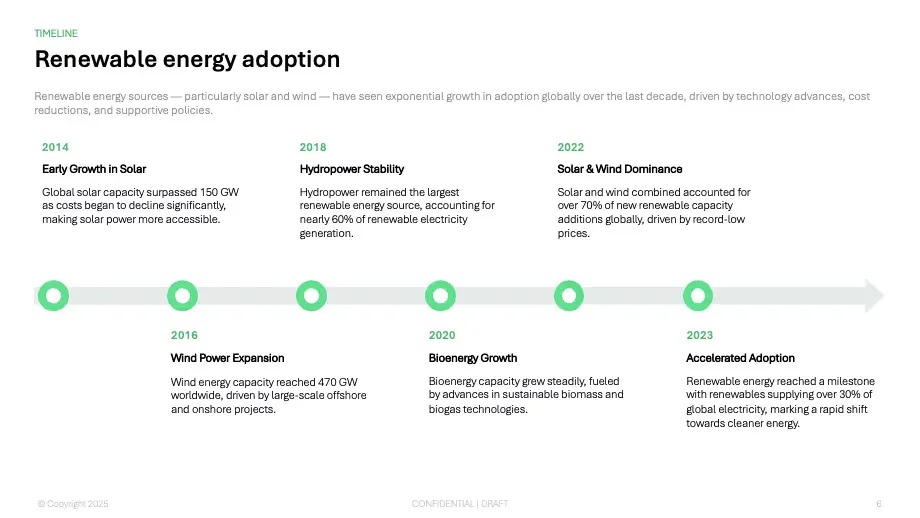
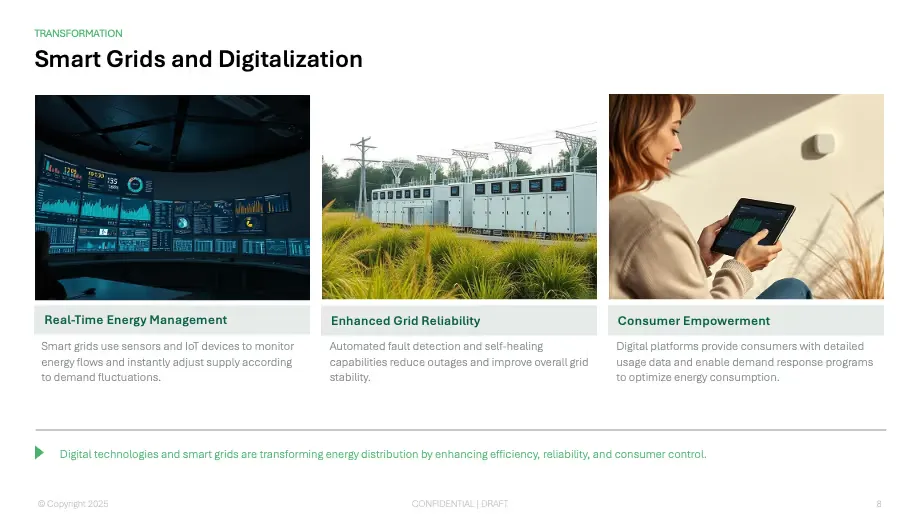

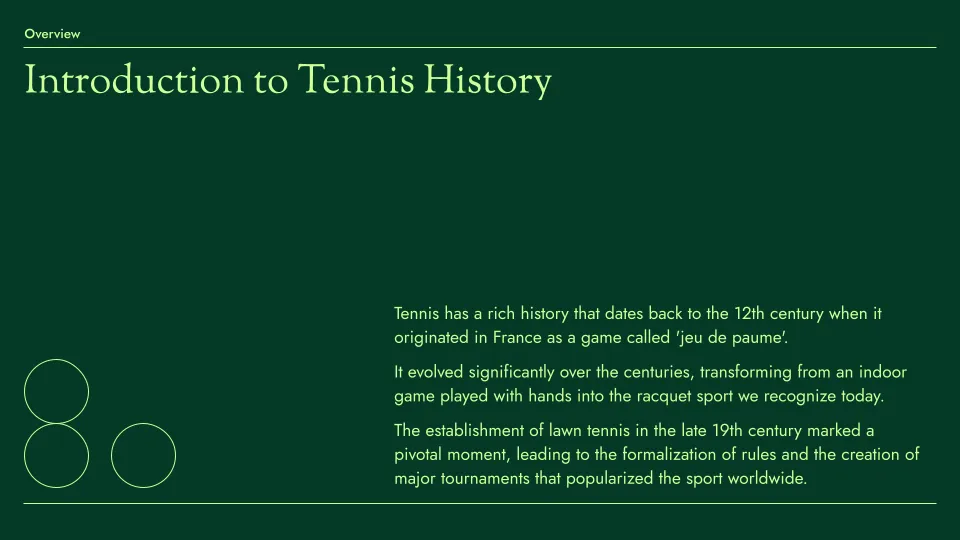
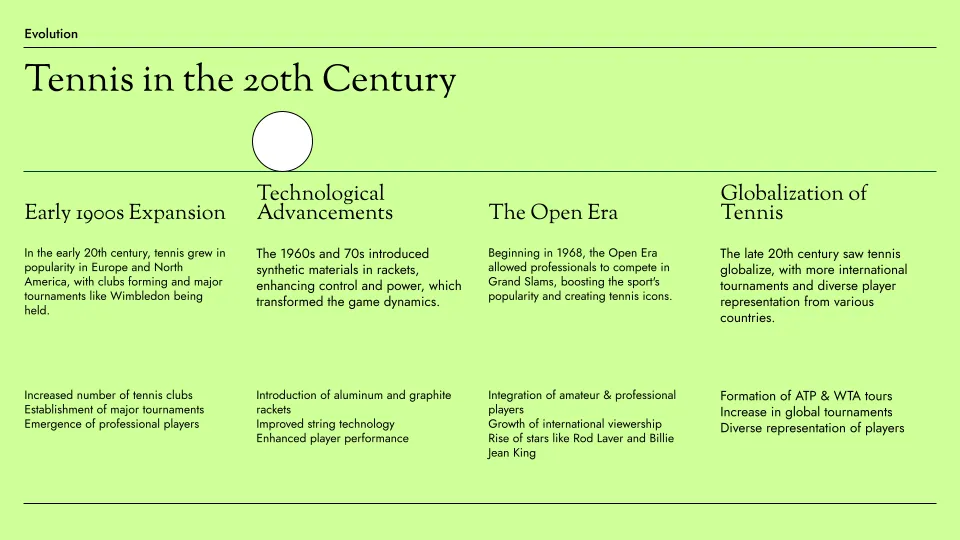

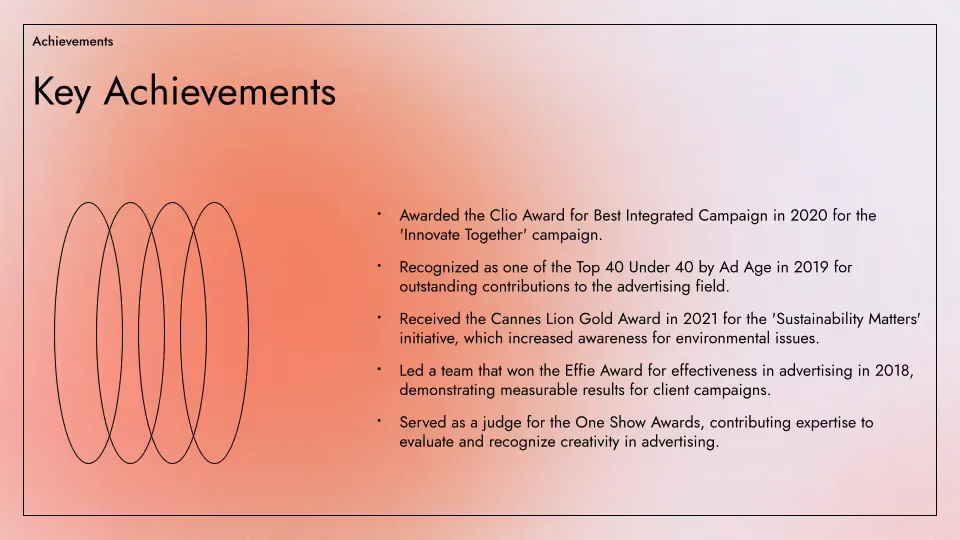
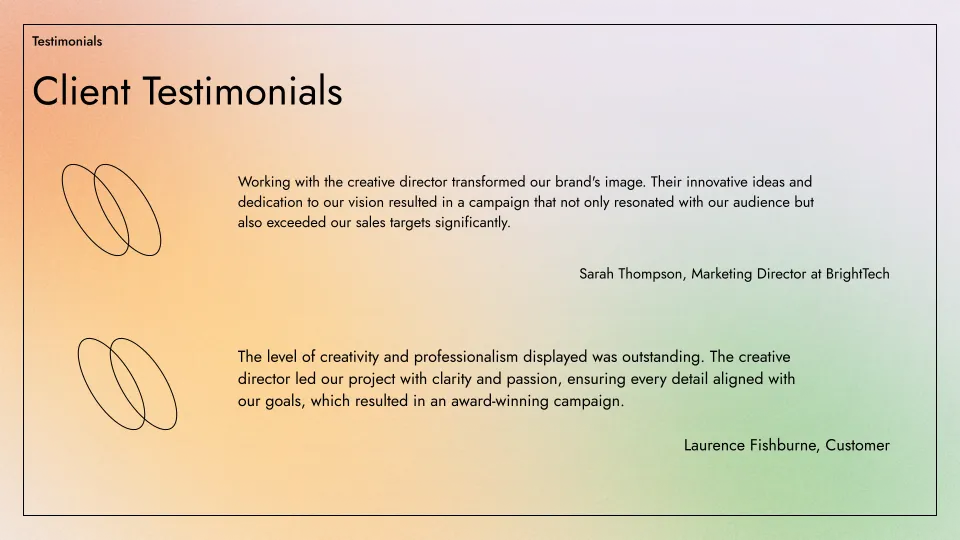

Don't know where to start? Just describe your presentation in a few sentences.
Convert an existing PDF, document, or text file into a custom presentation.
Fine tune your presentation with AI-powered tools
International audience? Translate your presentation into any language.
Keep your whole team on brand
Custom templates and shared libraries — for teams of all sizes
 Import custom templates Add logo, fonts, and colors Shared presets, custom instructions White-glove template conversion Advanced slides — ad mockups, case studies, and more Custom slide libraries and assets


Testimonials
Hands down the best AI presentation maker on the market when it comes to Google Slides. I can generate entire presentations from a prompt, or I can turn text into slides.

I'm particularly impressed by the "Remix" feature that reformats existing slides into new layouts. Love this feature Great work👍

Plus AI created a great structure and talking points for my presentation . I really like the tips on each slide to help me choose images or expand on a point. This tool is now in my arsenal!

The integration into Google Slides is seamless. It feels like something that should have been there all along! 5/5 stars overall.

Excellent tool that saves me a significant amount of time. It creates a presentation that needs only minor editing when used with detailed prompts . Our team loves it for brainstorming and account reps use it for collaborating with clients.

It really helped me to structure my outline which was a time and life saver for a presentation which was due. I like the fact that it can be implemented in Google Slides, a tool I'm already using for presentations anyway!

Tried most of the AI slide generators out there for Google Slide & PPT. This one just hands down the best - it just works.

The integration into PowerPoint is what makes this product so helpful . Making plenty of decks on a weekly basis, I turn to Plus AI for powerpoint first.

Edit and collaborate seamlessly — directly in Google Slides or PowerPoint.
Get started for free