
Plus AI for Teams
-
 Import custom templates
 - Add logo, fonts, and colors
- Shared presets, custom instructions

Create presentations and edit slides with AI directly in PowerPoint. Try the top-rated AI PowerPoint generator free for 7 days.
Generate professional PowerPoint slides

Describe your presentation in a few sentences, or use one of our presets.
Learn more

Plus works where you do, so you don't have to learn how to use a new app.
Start from a prompt or upload a file.
Edit your slides with the help of Plus AI, and collaborate with your team in PowerPoint.
Add slides and choose exactly what you need from our hundreds of layouts.
Elaborate, summarize, or improve phrasing and tone.
Format any slide — even a blob of text — into a specific design of your choosing.
Save important context for Plus to remember when generating content.
Save frequently used prompts, like client proposals or company updates.
Plus can read, write, and translate nearly any language.
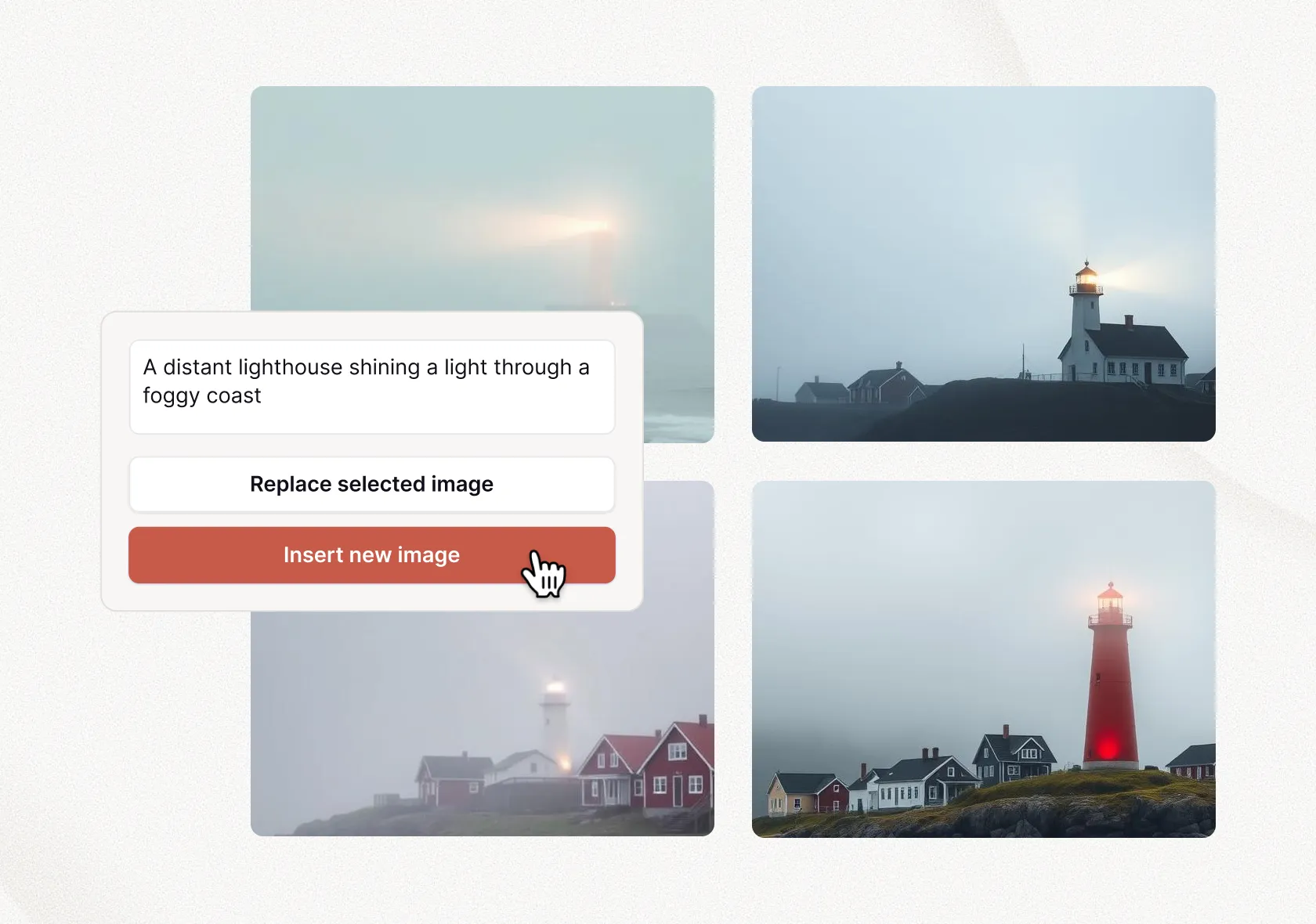


Add images, icons, and more in PowerPoint
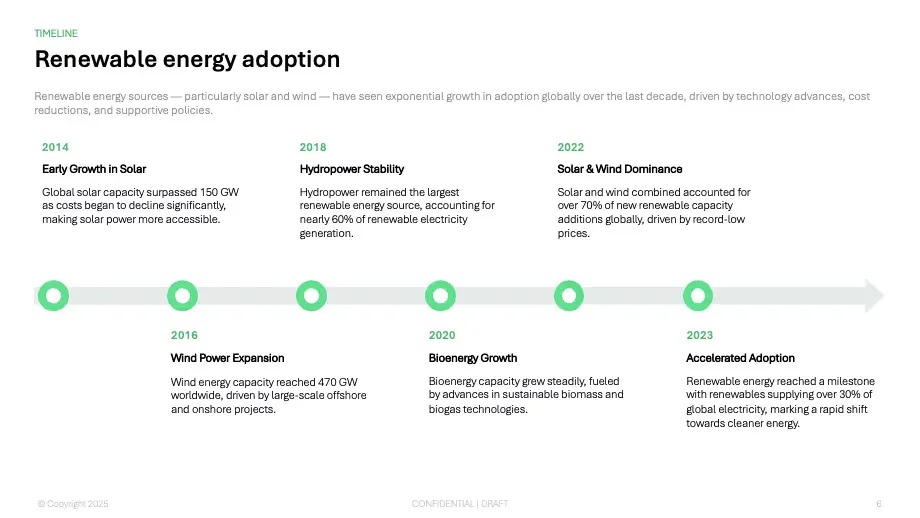
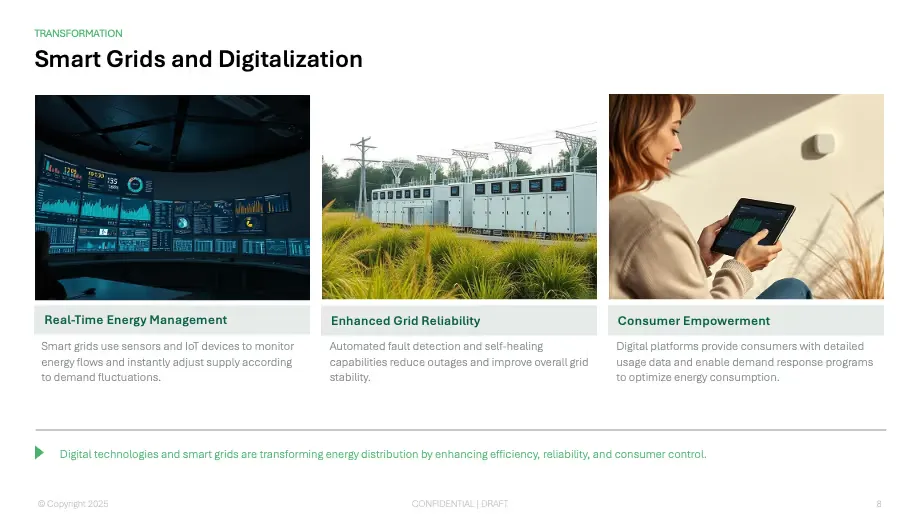
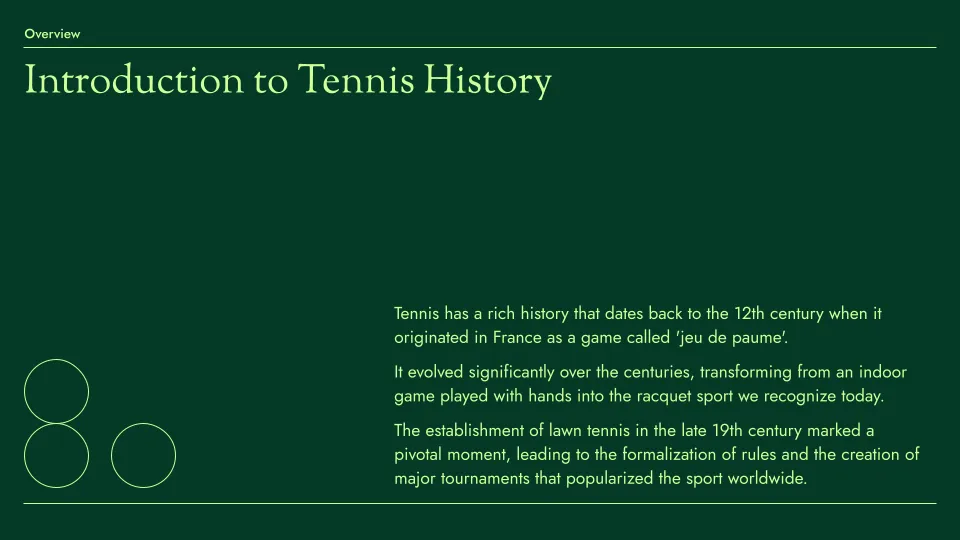
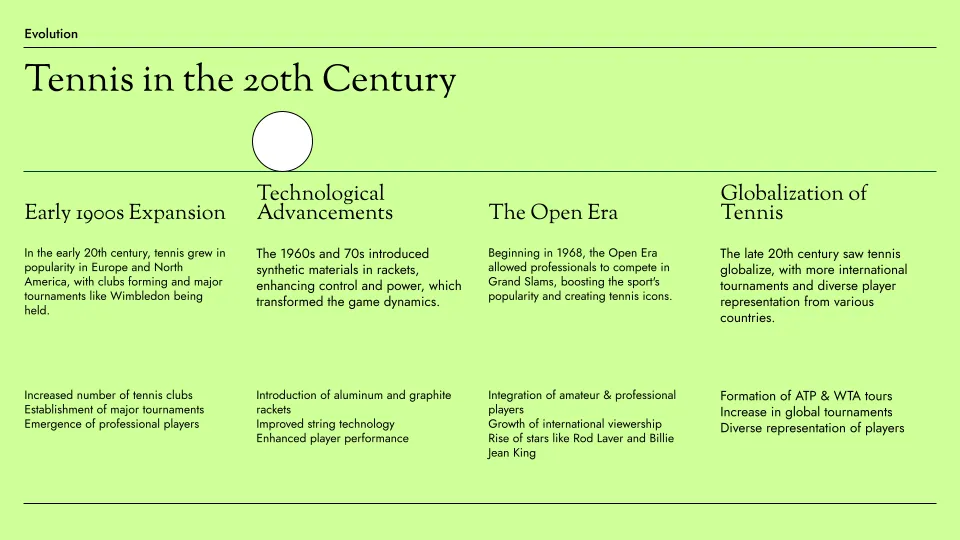
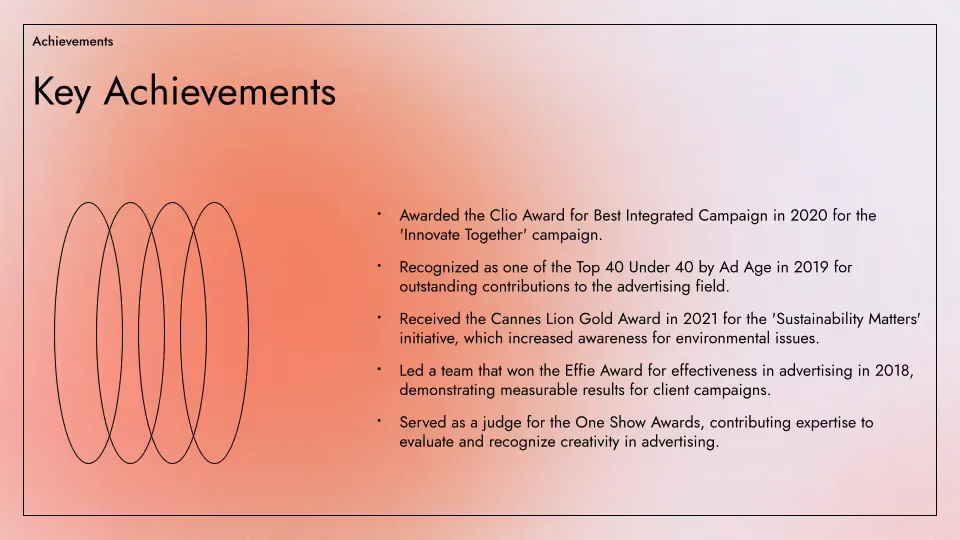
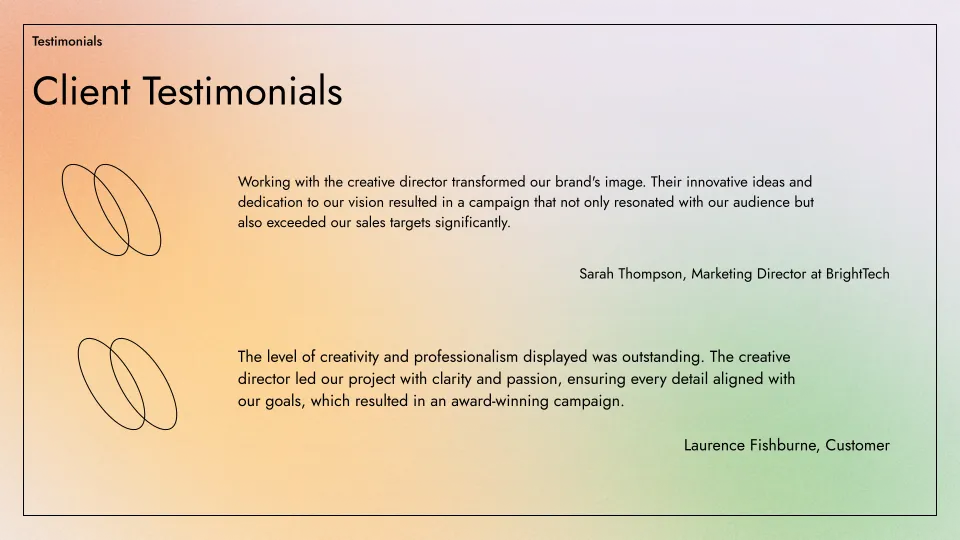
Designer templates — yours to customize
Templates are fully compatible with all our AI tools for generation and editing.



Keep your whole team on brand
Custom templates and shared libraries — for teams of all sizes
 Import custom templates Add logo, fonts, and colors Shared presets, custom instructions White-glove template conversion Advanced slides — ad mockups, case studies, and more Custom slide libraries and assets
 Your ideas — made real with Plus AI


Testimonials
Hands down the best AI presentation maker on the market when it comes to Google Slides. I can generate entire presentations from a prompt, or I can turn text into slides.

I'm particularly impressed by the "Remix" feature that reformats existing slides into new layouts. Love this feature Great work👍

Plus AI created a great structure and talking points for my presentation . I really like the tips on each slide to help me choose images or expand on a point. This tool is now in my arsenal!

The integration into Google Slides is seamless. It feels like something that should have been there all along! 5/5 stars overall.

Excellent tool that saves me a significant amount of time. It creates a presentation that needs only minor editing when used with detailed prompts . Our team loves it for brainstorming and account reps use it for collaborating with clients.

It really helped me to structure my outline which was a time and life saver for a presentation which was due. I like the fact that it can be implemented in Google Slides, a tool I'm already using for presentations anyway!

Tried most of the AI slide generators out there for Google Slide & PPT. This one just hands down the best - it just works.

The integration into PowerPoint is what makes this product so helpful . Making plenty of decks on a weekly basis, I turn to Plus AI for powerpoint first.

To create a new PowerPoint with AI, install the Plus AI add-in inside of PowerPoint by clicking "Add-ins" and searching for Plus AI.
Open up the Plus AI sidebar and click "New presentation." From the start screen, you can choose to create a new presentation from a prompt or by uploading an existing document.
Once you have given Plus AI your instructions or reference materials, click "Generate presentation," and Plus AI will convert your existing documents into a PowerPoint presentation.
Yes, Plus AI is a native add-in for PowerPoint. Search for Plus AI inside of the PowerPoint add-ins menu or install it from Microsoft AppSource. When you use Plus AI, it will generate native PowerPoint slides that you can edit and modify like a standard PowerPoint slide.
Yes, you can use the "Remix" feature in Plus to reformat or convert PowerPoint slides into new formats and layouts using Plus AI.
Yes, here are instructions on how to use ChatGPT to create a PPT.
Plus AI is an AI PowerPoint generator purpose-built for professionals who need slides for work or school, while Copilot is a general-purpose chatbot with limited functionality in PowerPoint.
We suggest trying both and seeing which one creates better content for you. You can also see example outputs, how to use Copilot, and differences between the two tools.
Plus is the top-rated AI PowerPoint maker. You can see how Plus compares to other AI presentation tools.
Yes, there are several AI presentation makers. While many of these tools are not compatible with PowerPoint, Plus AI can create native PowerPoint presentations directly inside of PowerPoint.
Yes! When you invite your team to Plus AI, you can share themes and custom instructions to ensure your team creates presentations with a consistent look and feel.
Yes, we can implement AI for custom PowerPoint templates for our Enterprise customers. Get in touch.
Yes, you can use Text-to-Presentation mode or upload a document.
Yes, Plus AI makes it easy to upload a PDF and convert your PDF into a PowerPoint.
We follow enterprise-grade security practices and have achieved SOC 2 Type II compliance. You can read more about our security policies and procedures on our security page.
Anyone can use our AI PowerPoint generator, but our focus is professional presentation makers. Plus is a native PowerPoint add-in, so it won't disrupt your regular presentation workflows.
Here are some of our top use cases and how people use our presentation generator:
With a user-friendly interface and options for people who need any type of presentation, Plus is way ahead of our competitors. Here are some of the traits that set us apart:
Learn more about Plus AI vs. our competitors: Best AI Presentation Makers of 2025.
Try Plus AI for free. Start with a 7-day free trial. Cancel any time. Edit and collaborate seamlessly — directly in Google Slides or PowerPoint.
Get started for free

